
Free guide · 13 pages · PDF
The AI Podcast Reel Workflow
A podcast-style reel with an AI version of you at a podcast desk — scripted, generated and fully edited.
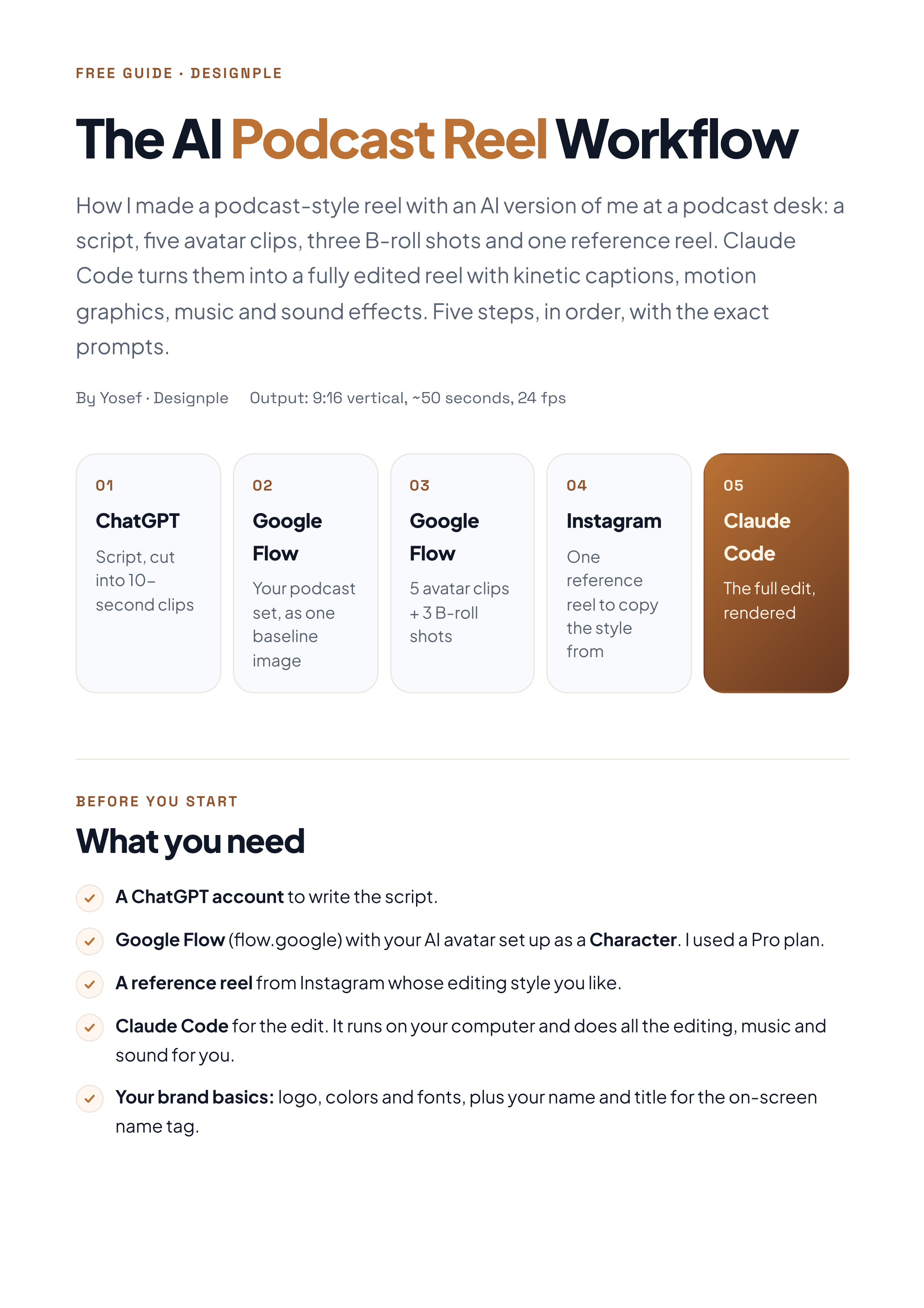
How I made a ~50 second podcast-style reel with an AI avatar of me at a podcast desk: a script, five avatar clips, three B-roll shots and one reference reel. Claude Code turns them into a fully edited reel with kinetic captions, motion graphics, music and sound effects. Five steps, in order, with the exact prompts.
Join the free community (or log in) to download this guide and every future release.
Get it inside the communityWhat you'll learn
- Write a 50-second podcast script and cut it into 10-second clips
- Build one baseline podcast set image so every clip matches
- Generate 5 avatar clips and 3 B-roll shots in Google Flow
- Pick one reference reel whose editing style you want to copy
- Let Claude Code do the full edit: captions, cards, music and sound
- Use two-size kinetic captions synced to every word
- Keep all text inside the Reels safe zone
- Avoid the mistakes that make clips jump or avatars rush
Works for
Podcast-style reelsMotivational & faith contentReels & TikTokYouTube ShortsPersonal brand contentCoaches & creators
Tools used
ChatGPT · Google Flow · Instagram · Claude Code