
Free guide · 9 pages · PDF
The Hybrid AI Video Workflow
An AI version of you, in your own room, edited with motion graphics — no camera setup.
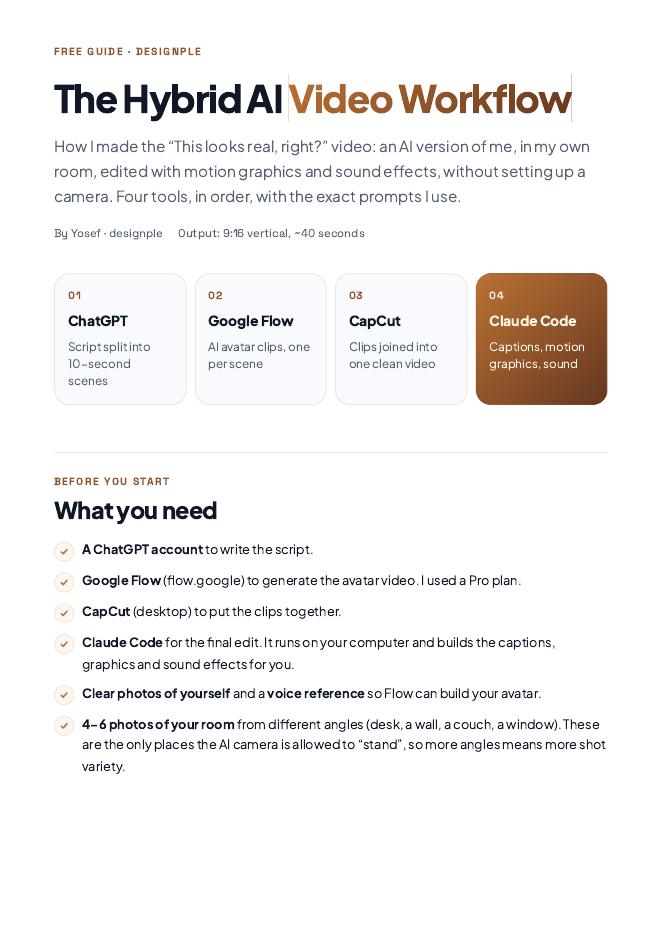
How I made the “This looks real, right?” video: a ~40 second 9:16 video of an AI avatar of me in my own room, edited with captions, motion graphics and sound effects. Four tools, in order, with the exact prompts I use.
Join the free community (or log in) to download this guide and every future release.
Get it inside the communityWhat you'll learn
- Write the script in 10-second scenes with ChatGPT
- Plan speaking pace, camera moves and shot changes
- Build your avatar in Google Flow from photos and a voice reference
- Use photos of your room so the AI camera stays in real spots
- Join the clips into one clean video in CapCut
- Let Claude Code add captions, motion graphics and sound
- Give feedback to Claude Code like you would to an editor
- Avoid the common mistakes that make AI video look fake
Works for
Reels & TikTokYouTube ShortsPersonal brand contentCoaches & creatorsBusiness ownersFaceless-camera days
Tools used
ChatGPT · Google Flow · CapCut · Claude Code